
BigONE Sign Up and Download Guide Getting Started Without the Confusion LianTrader Academy.
Technically, that is correct. But it does not answer the questions a new user actually has.
Should you register with email or a phone number?
Does it matter whether you create the account on a computer or inside the BigONE app?
What should you do if the mobile app does not appear in your store?
And do desktop users really need to download anything at all?
This guide takes a simpler approach. Instead of turning BigONE registration into a long list of buttons to press, we will look at the choices you make during setup and how to get the correct version of BigONE on the device you actually use.
What Is the Easiest Way to Open a BigONE Account?
For most people, starting from a browser is the cleanest option.
A larger screen makes it easier to see the registration form, check your information and avoid small mistakes. Once the account exists, you can install the BigONE mobile app and use exactly the same account there.
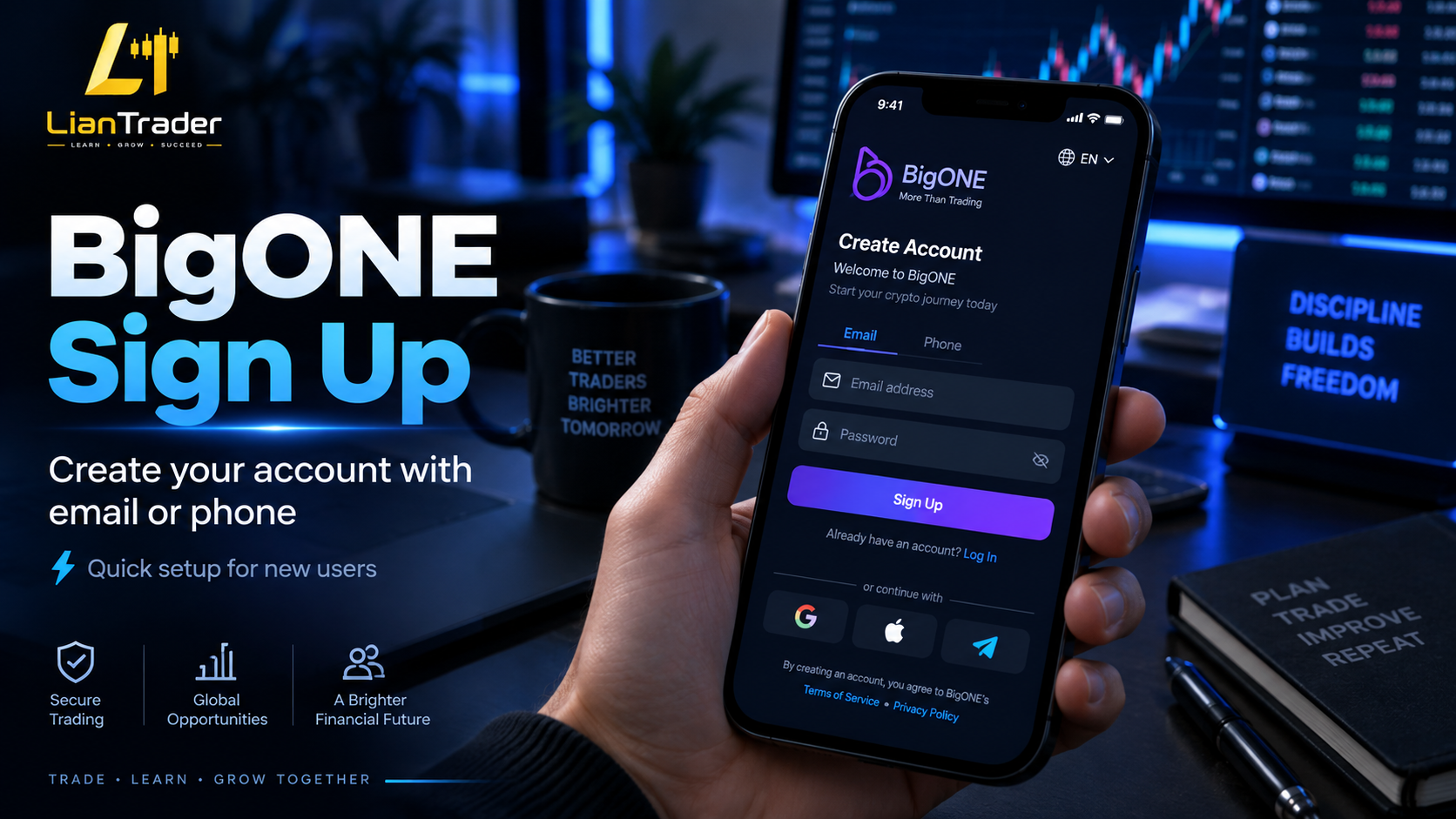
BigONE registration can be completed with an email address or mobile phone number.
Neither method creates a different type of account. The choice mainly determines how you receive verification messages and how you identify yourself when signing in later.
If you already manage most of your online accounts through email, using email for BigONE will probably feel more natural.
If you prefer keeping exchange access tied to your mobile number, phone registration is another option.
The important part is choosing contact information you expect to keep.
BigONE Sign Up With Email: A Good Choice for Multi-Device Users
Email registration makes sense if you expect to use BigONE from both your phone and computer.
Enter an email address that belongs to you and that you can access without difficulty.
Using an old inbox that you barely check may seem harmless when creating the account, but it can become a problem later if you need to confirm a login or recover access.
After entering the email address, BigONE will ask you to verify it.
A confirmation code is normally sent to the address you provided. Enter that code in the registration form and continue creating the account.
If no message appears, check folders such as Spam or Junk before requesting several new codes.
The goal here is not speed. It is making sure the account begins with accurate information.
Registering With a Phone Number
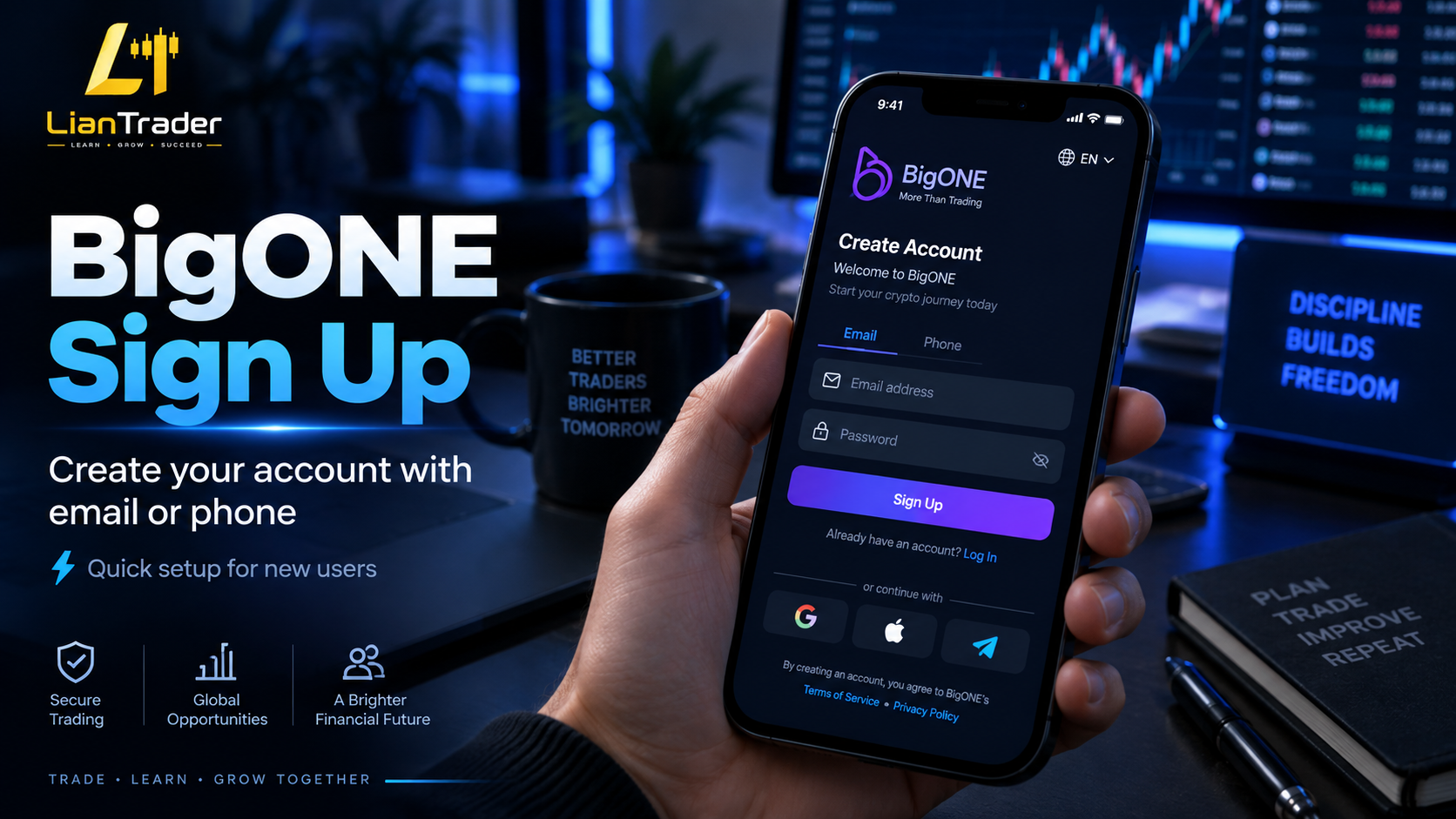
Sign Up BigOne Exchange
Some users simply prefer their phone.
In that case, choose phone registration and pay particular attention to the country code.
The phone number itself may be correct, but choosing the wrong international prefix can stop the verification message from reaching you.
Once the code arrives, enter it and continue.
This process is useful for people who consistently keep the same mobile number, but remember that your phone number becomes part of how you access and recover the account.
That is why temporary SIM cards or numbers you expect to abandon soon are not ideal.
Your BigONE Password Should Be Different From Everything Else
One of the easiest mistakes to make is using the same password across several crypto exchanges.
It is convenient until one website suffers a data leak.
Your BigONE password should be unique to BigONE.
You do not need to invent something impossible to remember manually. A password manager can generate and store a strong password for you.
The important rule is separation.
Your BigONE password should not be your Gmail password, social media password or the same password you already use on another exchange.
Crypto account security often comes down to simple habits rather than complicated technology.
The BigONE Invitation Code Field
During registration, BigONE may provide a place to enter an invitation or referral code.
This field is not the same as your verification code.
A verification code confirms your email or mobile number. An invitation code connects your registration with a referral program.
If you already have a BigONE invitation code that you intend to use, enter it while creating the account and check that it is correct before completing registration.
If you do not have one, there is no reason to copy the first code you find on an unknown website.
You should also be cautious about pages promising unrealistic guaranteed bonuses simply for entering a code.
Exchange promotions change over time, and eligibility may depend on additional requirements.
Before You Press the Final Sign Up Button
There is a useful habit that takes about ten seconds.
Read the form one more time.
Check the spelling of your email.
Check the country code if you used a phone number.
Make sure the password meets the requirements.
And if you intended to use an invitation code, confirm that it is present.
Most registration problems are caused by very ordinary mistakes rather than technical failures.
A quick review now is easier than fixing incorrect account information later.
BigONE Download: Start With Your Device, Not With Google

Download BigOne Exchange
There is an easier way to think about BigONE download.
Do not start by searching for a file.
Start by asking which device you are using.
The correct BigONE installation method for an Android phone is different from an iPhone, and desktop users may not need to download an application at all.
That distinction is important because searching phrases such as “BigONE app download latest version” can lead to unofficial software websites.
If You Have an Android Phone
Android gives you more than one way to install apps, which is useful but also creates more room for confusion.
For most users, the normal app store version is the first place to look.
Search for BigONE in Google Play and make sure you are viewing the genuine exchange application before installing it.
Do not judge an application only by its logo.
Fake finance apps sometimes copy the name, branding and screenshots of legitimate platforms.
Take a moment to check the application details before installing.
Once the official Download BigONE app is on your phone, open it and use the account you already created.
There is no need to make another BigONE account simply because you switched from browser to mobile.
What Is the BigONE APK?
Android also allows applications to be installed through APK files.
Think of an APK as the Android equivalent of an installation package.
This can be helpful when an application is not available in Google Play for a particular device or region.
However, there is an important distinction between downloading an APK and downloading an APK from anywhere.
The phrase BigONE APK download can produce results from dozens of third-party websites.
A file having “BigONE” in its name does not prove that BigONE created it.
If you need an APK, use the installation file provided through BigONE’s official channels rather than a random software archive.
This is especially important for exchange apps because you may later enter login details into the application.
A Simple Rule for Android Users
If Google Play gives you the official BigONE app, use it.
If you need an APK instead, obtain it through BigONE.
Avoid modified versions.
You may see phrases such as “BigONE MOD APK,” “premium version,” or “unlocked BigONE.”
Those versions offer no useful advantage for an exchange account.
In fact, a modified financial app is exactly the type of software you should avoid.
Downloading BigONE on iPhone
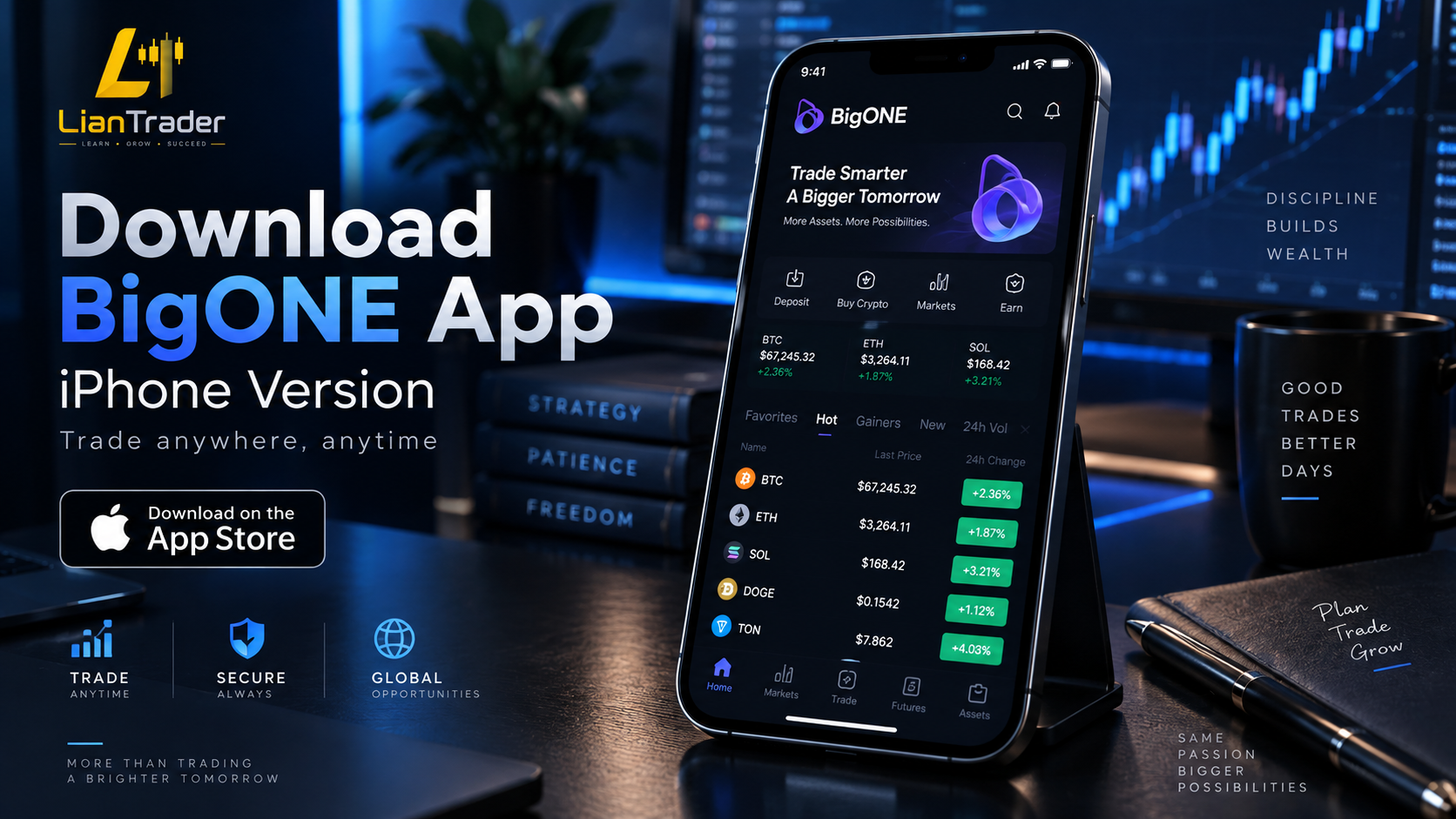
Download BigOne App For iPhone
The iPhone experience is different because Apple controls application installation much more tightly.
If you use iOS, begin with the App Store.
Search for BigONE and inspect the application information before installation.
If it is available for your Apple account, install it normally and open the app once the download finishes.
Already have a BigONE account?
Choose login.
New to BigONE?
You can create the account from the mobile application instead.
Again, there is no special “iPhone account.” Your BigONE account can be accessed from supported devices regardless of where you originally registered.
What If BigONE Is Missing From the App Store?
This is where many articles become misleading.
They assume everyone around the world sees exactly the same App Store.
That is not always true.
Application availability can depend on the country or region associated with an Apple account.
If you search for BigONE and cannot see it, do not immediately start installing strange profiles or following an outdated YouTube tutorial.
App distribution changes.
The safer approach is to check the current installation instructions provided by BigONE and see which iOS method is supported for your situation.
A guide written two years ago may no longer reflect what an iPhone user sees today.
Do You Need to Download BigONE on Windows?
This question deserves a simpler answer than most guides give it.
Not necessarily.
If you use a Windows laptop or desktop computer, you can access BigONE through a web browser.
Open the platform, sign in and use your account from there.
do not automatically mean you need an EXE installer.
In fact, if an unfamiliar website tells you to download a Windows application that you cannot verify through BigONE itself, using the browser version is the safer choice.
For many users, it is also more convenient.
BigONE on Mac Works the Same Way
Mac users do not need a separate trading identity either.
Use a compatible browser, open BigONE and sign in with your existing account.
If you also have BigONE installed on your iPhone or Android phone, both devices can be used with the same account.
A useful everyday setup might look like this:
Use the web platform when you are working at your desk.
Use the BigONE app when you are away from your computer.
There is no need to choose one permanently.
Should You Register From the App or the Website?
Both approaches lead to the same basic result: a BigONE account.
The website is often easier for first-time registration because you have more screen space.
The mobile app is convenient if you already know you will mainly use BigONE from your phone.
What matters more than the device is what you do during registration.
Use accurate contact information.
Choose a unique password.
Enter an invitation code before completing registration if you plan to use one.
Keep access to the email address or phone number attached to the account.
Those decisions matter far more than whether you tapped Sign Up on a smartphone or clicked it with a mouse.
What Should You Do Immediately After Registration?
Do not treat the moment your account opens as the end of setup.
Spend a little time reviewing the security settings.
Enable additional login protection where available and make sure you understand how account recovery works.
It is much easier to configure security while you have full access to everything than to learn about recovery options after losing a phone or forgetting a password.
Also make sure the email account connected to BigONE is secure.
Protecting an exchange while leaving its recovery email poorly protected defeats much of the purpose.
One Account, Different Screens
A common beginner question is whether installing BigONE on another device requires another registration.
It does not.
Imagine that you registered from a Windows laptop.
Later, you download the BigONE app on Android.
You simply sign in to the existing account.
A few months later, you change to an iPhone.
You still use the same BigONE account.
The device changes. Your account does not.
This is one reason it makes sense to create the account carefully the first time instead of opening duplicate registrations every time you change hardware.
Avoiding Fake BigONE Download Pages
Fake download pages often depend on urgency.
They use phrases such as:
“Download now before the link expires.”
“Special BigONE version.”
“New update unavailable in app stores.”
“Install manually to receive bonus.”
Treat that language as a reason to slow down.
A genuine update should be available through legitimate BigONE channels.
Never install an app because someone sends you a file through Telegram, WhatsApp or a private social media message.
And never enter your exchange password into an application you cannot verify.
BigONE Registration and Download: What Actually Matters?
There are dozens of buttons inside an exchange, but the initial BigONE setup comes down to a few decisions.
Use contact information that will remain accessible.
Create a password specifically for BigONE.
Review the invitation code before finalizing registration if you are using one.
Install the mobile application from a legitimate source.
And remember that computer users can usually access the platform through a browser without downloading questionable software.
Do these things correctly and the rest of the setup becomes much easier.
Frequently Asked Questions About BigONE
How do I sign up for BigONE?
Create an account using your email address or mobile phone number, complete the verification process and set a password for the account.
Is an email required for BigONE registration?
No. Depending on the available registration options, users can also create an account with a mobile phone number.
What is the BigONE invitation code?
It is an optional referral field that may appear during registration. If you intend to use a particular invitation code, enter it before finishing account creation.
Can I download BigONE on Android?
Yes. Android users can use the official BigONE mobile application.
Is there a BigONE APK?
An Android installation package may be provided for users who need to install the application outside the standard app store. Only obtain it through legitimate BigONE channels.
Is BigONE available for iPhone?
BigONE can be used on supported iOS devices. Availability in the App Store may differ between regions.
Why can’t I find BigONE on my iPhone?
The application may not be distributed through every Apple ID region in exactly the same way. Check the current official installation method instead of relying on an old third-party tutorial.
Can I use BigONE on a PC?
Yes. Desktop users can access BigONE through a web browser, so a separate Windows download is not always necessary.
Do I need another account after downloading the BigONE app?
No. Use your existing BigONE credentials when signing into the mobile application.
Is it safe to download BigONE from another APK website?
Using an unofficial APK source creates unnecessary risk. For an exchange application, the safest approach is to use an official distribution method.
Final Word BigONE Sign Up and Download Guide Getting Started Without the Confusion
The easiest way to begin with BigONE is not to rush.
Create one account correctly, remember which email address or phone number you used, secure it with a unique password and then choose the version that matches your device.
For Android, that may mean the regular mobile application or an official APK.
iPhone, it means using the supported iOS installation route available to your Apple account.
For computers, a browser may be all you need.
That is really the entire starting point.
BigONE registration should take only a few minutes, but taking those few minutes seriously gives you a much cleaner experience when you return to the account later.