

Biconomy Exchange Sign Up Login and Download Guide Lian Trader Academy.
For someone opening Biconomy Exchange for the first time, the platform can feel familiar almost immediately. There is a registration page, a mobile app, a browser version and the usual account login process.
The part that deserves more attention is not clicking the buttons it is setting everything up correctly from the beginning.
This guide is written for people searching for Biconomy sign up, Biconomy login, Biconomy download, Biconomy app for Android, Biconomy for iPhone, or simply a straightforward way to start using Biconomy Exchange.
Instead of explaining every part of the exchange, we are going to stay focused on the first few minutes of the experience: creating an account, getting back into that account later, installing the official app and choosing the easiest way to use Biconomy on a phone or computer.
Biconomy Exchange Sign Up Login and Download Guide
It is tempting to register with whatever email address happens to be open in your browser, but a crypto exchange account is worth treating a little more carefully.
Use an email address or phone number that you expect to keep for a long time. Account recovery, security checks and login confirmations may eventually depend on it.
The same applies to your password. A password you already use for social media, shopping websites or your email account is not a good choice here.
A separate password for your Biconomy account makes managing the account much safer if one of your other online services is ever compromised.
It only takes a few extra seconds during registration, but it can save a lot of trouble later.
Biconomy Sign Up: Creating Your First Account
Biconomy Exchange allows new users to create an account using an email address or mobile number.
Once you open the registration page, choose the method you prefer and enter your details.
Email registration is often the most convenient choice for users who regularly switch between a phone and computer. You are not tied to one SIM card, and verification messages are easier to access from different devices.
Phone registration can be equally simple if you prefer receiving account verification through your mobile number.
Whichever option you choose, double-check it before moving forward. A typing mistake in an email address is one of the easiest ways to turn a two-minute registration into an account recovery problem.
Creating a Password You Will Not Regret Later

Sing Up Biconomy Exchange
The password field often feels like the least interesting part of Biconomy registration, but it is probably the most important field on the page.
Avoid predictable combinations such as your name followed by a year or a password you have been using for years.
A better password is long, unique and includes different character types.
More importantly, it should only belong to your Biconomy account.
Using a password manager can also make this easier. You do not need to memorize every complex password if they are stored securely.
Once your password is accepted, take a final look at the registration form before completing your Biconomy sign up.
What Is the Referral Code Field on Biconomy?
During registration, you may see an optional field for a referral or invitation code.
This is used when you were introduced to Biconomy by another user, partner or campaign.
If you already have a valid Biconomy referral code, enter it before completing the registration form.
If you do not have one, you can normally continue without it.
It is worth being cautious with websites that advertise random referral codes alongside unrealistic promises of guaranteed cash rewards. Referral promotions can change, and the conditions attached to one campaign may be different from another.
The best approach is to understand what the code is supposed to provide before you use it.
What Happens When Registration Is Finished?
Once your account has been created, you are no longer limited to the device you used during sign up.
You might create the account from a laptop today, install the Biconomy app on Android tomorrow and later log in from another computer.
You are still using the same account.
This is useful because mobile and desktop usage often serve different purposes. A phone is more convenient for quick access, while a larger screen can be more comfortable when you want to spend more time inside the platform.
There is no need to open multiple accounts simply because you use multiple devices.
Biconomy Login: Getting Back Into Your Account

Biconomy Login
The login process is much shorter than registration.
Open Biconomy Exchange and choose the login option rather than creating another account.
Use the same email address or phone number that you originally registered with and enter your password.
Depending on the security settings of the account, an additional verification request may appear.
Complete that check and you should arrive inside your account.
One common mistake is trying to register again when a user cannot remember the original login details. If you already created an account, use the recovery tools instead of opening unnecessary duplicate accounts.
Why Your Biconomy Login Might Not Work
A failed login does not always mean there is something wrong with the exchange.
Sometimes the problem is surprisingly simple.
The email address may have been typed differently during registration. A phone number may have been entered with another country code. The password may contain a character that is easy to mistype on a mobile keyboard.
Before resetting everything, check the information carefully.
If you genuinely cannot remember the password, use the password recovery option instead of repeatedly trying different passwords.
Repeated guesses are rarely useful, and account security systems may temporarily limit repeated login attempts.
Using Biconomy Login on a New Device
Logging into a crypto exchange from a new phone or computer may trigger additional security checks.
That is not necessarily a problem.
A platform asking for extra confirmation when it sees an unfamiliar device is generally preferable to allowing immediate access without verification.
If a verification message arrives unexpectedly when you are not trying to log in, however, do not approve it.
Treat unexpected login notifications seriously and review your account security.
Downloading the Biconomy App
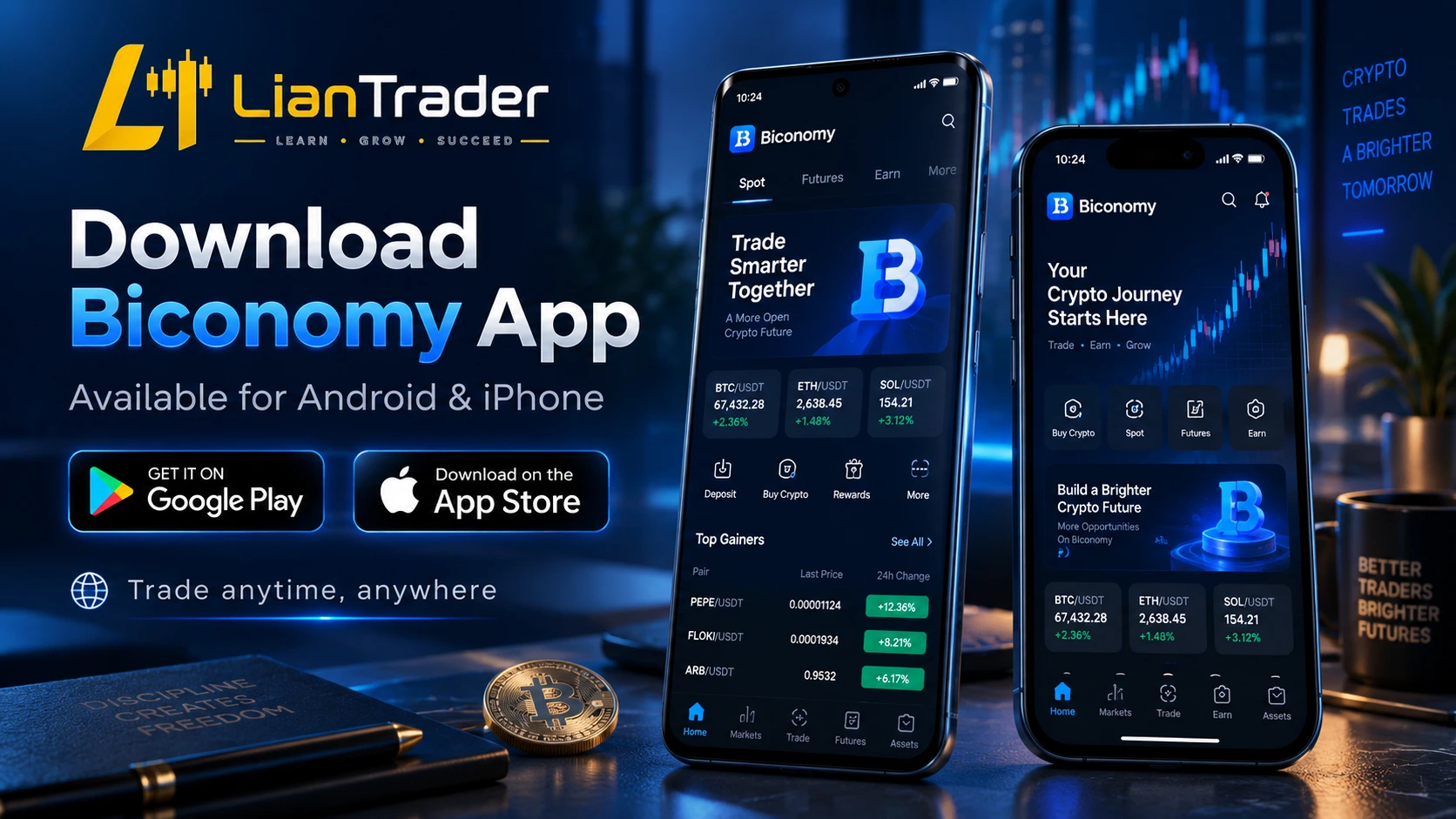
Download Biconomy App
For users who plan to check their account regularly, the mobile application is usually the most convenient way to access Biconomy Exchange.
The important part is not simply searching for “Biconomy download.”
It is making sure you install the correct application.
Crypto platforms are frequent targets for fake apps, cloned login pages and unofficial installation files. A fake application does not need to look suspicious. It can copy the colors, branding and layout of the real app closely enough to fool someone who is in a hurry.
Start from an official Biconomy source or a recognized mobile app store whenever possible.
Biconomy Download for Android
Android users can install the Biconomy app and sign into the same account they created on the website.
Once the app is installed, you do not need to go through the entire Biconomy registration process again.
Choose login, enter your account details and complete any required verification.
If you have not created an account yet, you can also begin registration from the mobile experience.
Android users sometimes look specifically for Biconomy APK download when the application is not visible in their app store.
If you use an APK, the source matters far more than the file name.
A file called “Biconomy.apk” is not automatically genuine simply because it has the correct name.
Avoid modified, cracked or unofficial versions of crypto exchange applications.
Installing Biconomy on Android Safely
Before installing an Android application outside the regular app store, check where it came from.
Random download websites may host old or altered packages.
The safest route is to begin with Biconomy’s official download section and use the Android option offered there.
Your phone may display an installation warning if the package was downloaded outside Google Play. Read the warning rather than automatically tapping through it.
A crypto app can contain access to sensitive account information, so this is not the type of application you want to install from an unknown source.
Biconomy Download for iPhone
iPhone users can also access Biconomy through iOS.
Search for the official application through the available Apple distribution method for your region and verify what you are installing before opening it.
Once installed, use the account you already created.
If the Biconomy app does not appear for your Apple ID region, do not immediately download configuration profiles from unknown websites.
App availability can sometimes vary by region, and distribution methods can change.
It is better to check Biconomy’s current official installation instructions than follow a tutorial written several years earlier.
Do You Need the App to Use Biconomy?
No.
The mobile app is convenient, but it is not the only way to access the exchange.
Biconomy can also be used through a web browser.
This is particularly useful for people who prefer working from a laptop or desktop computer.
A browser gives you more screen space and does not require another application to be installed.
Many users ultimately use both methods: mobile when they are away from a computer and the browser version when they are at a desk.
Biconomy for Windows
Searching for Biconomy download for PC or Biconomy for Windows can lead to a lot of third-party download websites.
That is where users should be careful.
You do not need to install a mysterious desktop program just to use Biconomy on Windows.
Open a modern browser, visit the official Biconomy platform and log into your account.
This approach is simple and avoids unnecessary EXE installers from websites you may not know.
If Biconomy officially introduces or promotes a dedicated desktop program in the future, users should obtain it through the platform’s official channels rather than a software mirror.
Using Biconomy on Mac
Mac users can follow the same idea.
Open Biconomy through Safari, Chrome or another modern browser and sign in normally.
There is no requirement to create a new account for macOS.
Your account remains the same whether you access it from an iPhone, Android phone, Windows computer or Mac.
That consistency makes switching devices much easier.
Mobile App or Browser: Which Feels Better?
This depends on how you use the platform.
If you only want quick access to your account, a mobile app is convenient.
If you spend more time looking at charts or navigating between different sections, a larger computer display can feel more comfortable.
The useful thing is that you do not have to choose permanently.
Install the Biconomy app on your phone and keep the browser version available on your computer.
The two can complement each other.
A Quick Security Habit Before Every Biconomy Login
Before entering a password, look at where you are entering it.
That sounds obvious, but fake exchange websites are designed specifically to make people skip this check.
A copied website may contain the same logo, same buttons and an almost identical login form.
Bookmarking the correct Biconomy website after your first visit can reduce the chance of landing on a fake page through a misleading advertisement or search result.
On mobile, the same principle applies to applications.
Do not install a Biconomy app simply because someone sends you a file in a private message.
What to Do After Installing the Biconomy App
Once installation is finished, open the application and log in with your existing account.
Before doing anything else, spend a moment reviewing the account settings and available security options.
It is better to understand how your account recovery and login protection work before you actually need them.
Also check that your registered email address or phone number is still accessible.
Users often think about account recovery only after losing access to something.
A few minutes of preparation makes that situation much easier to handle.
Biconomy Sign Up on Mobile vs Desktop
There is no major reason to prefer one device over another for registration.
A desktop browser gives you more space to review the form.
A smartphone may be faster if you are already using the Biconomy app.
The important part is accuracy.
Use the correct email or phone number, create a strong password and review any referral information before submitting the registration.
Whether you complete those steps on a 6-inch phone or a large monitor makes little difference.
Is Biconomy Registration Difficult for Beginners?
The technical part is not difficult.
Most beginners can complete registration in a few minutes.
The more important challenge is developing good habits from the beginning.
Use official download sources.
Use a unique password.
Do not share verification codes.
Do not approve login requests you did not initiate.
Keep access to the email address or phone number attached to the account.
Those habits matter more than memorizing where every button is located.
Frequently Asked Questions About Biconomy
How do I create a Biconomy account?
Open Biconomy Exchange, choose the sign-up option and register with an email address or phone number. Create a secure password, complete the verification process and finish account creation.
Can I sign up for Biconomy using email?
Yes. Email can be used to create a Biconomy account.
Can I use a phone number for Biconomy registration?
Phone registration is also available, giving users an alternative to email.
Does Biconomy have a mobile app?
Yes. Biconomy can be accessed through mobile devices, including Android and iOS.
How do I log in to Biconomy after installing the app?
Open the app, choose Log In and use the email address or phone number and password connected to your existing account.
Do I need a second Biconomy account for the mobile app?
No. Your existing account can be used across supported devices.
Can I use Biconomy on Windows?
Yes. You can access Biconomy through a web browser on Windows without needing a separate account.
Can I use Biconomy on a Mac?
Yes. Mac users can access the web platform through a compatible browser.
Where should I download the Biconomy app?
Use Biconomy’s official download channels or recognized app stores. Avoid unofficial APK websites and files shared by unknown individuals.
What should I do if I forget my Biconomy password?
Use the password recovery option on the login page and complete the required verification instead of repeatedly guessing the password.
A Better Way to Start With Biconomy
Starting with Biconomy does not need to feel like setting up complicated trading software.
Think of it as three separate tasks.
First, create one account carefully.
Second, make sure you can log back into it without problems.
Third, install the official mobile app only if you actually want mobile access.
Once those three pieces are in place, you have a Biconomy account that can move with you between your phone and computer.
The process itself is simple. What makes the difference is paying attention to where you register, where you download the app and how you protect the login information.
That is a better foundation than rushing through registration and trying to fix mistakes afterward.